Split Screen Video Maker
Combine video clips, tell two stories at once, and create scroll-stopping content — no video editing experience required. BigMotion's split-screen video maker works entirely in your browser, no software to install.
Split Screen Video Maker Features



How To Make a Split-Screen Video
🎬 Stop complicating. Start creating.
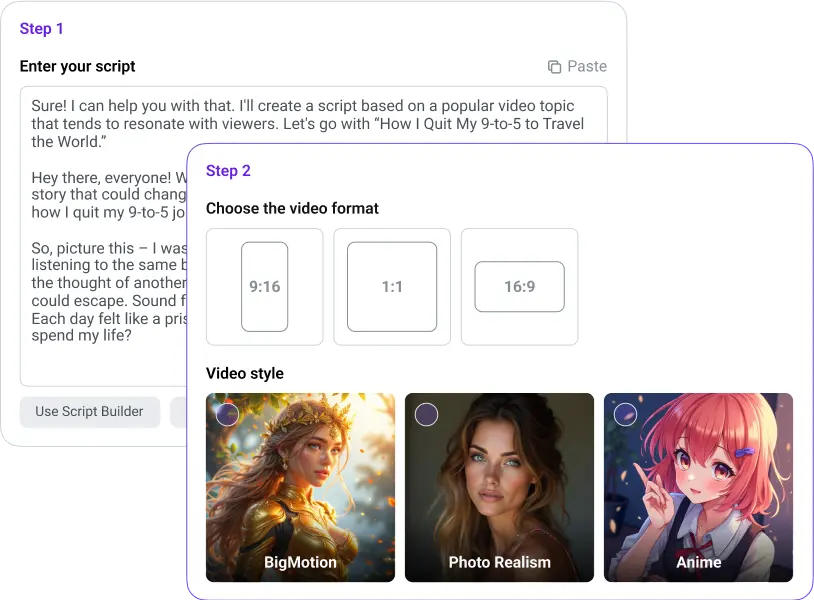
Enter your topic and pick a style
Type what you want your split-screen video to show, choose a visual style, and pick your audio. Just a few clicks and your project is ready to build.
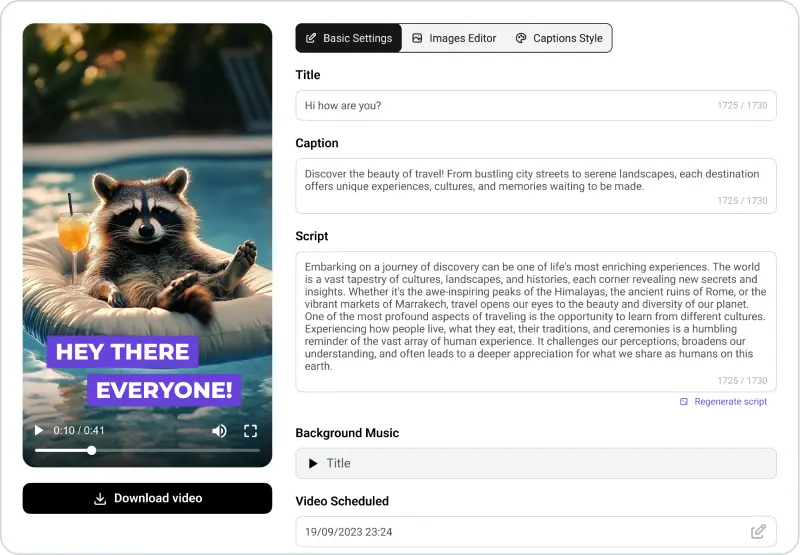
Create and edit your split screen
BigMotion generates your your split screen video instantly — AI writes the script, selects visuals, adds voiceover, and syncs background music. Preview every scene, swap visuals, add subtitles, and adjust captions before you publish.
Finalize and share
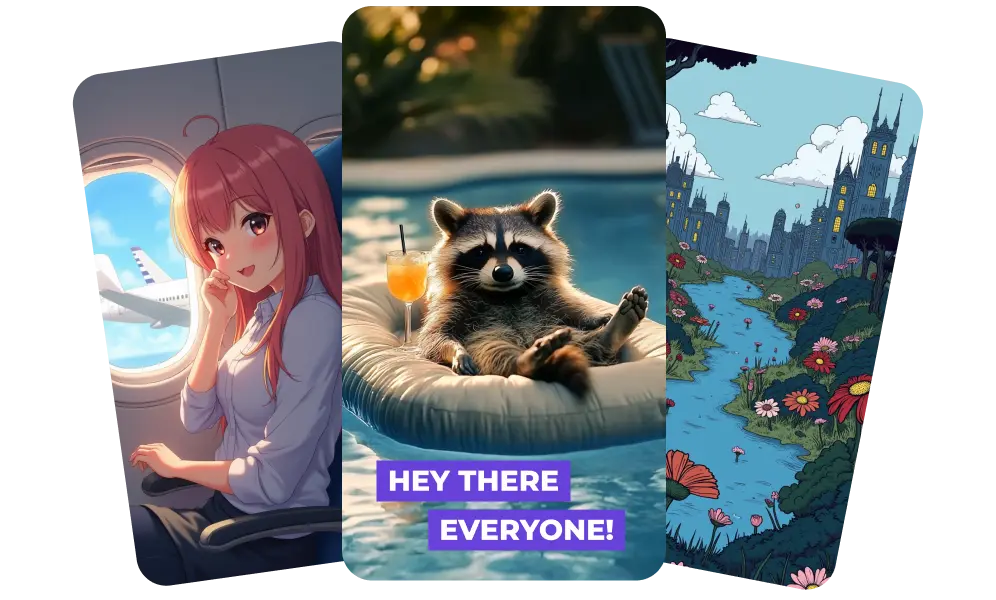
Preview your complete split screen video, make final adjustments, and share directly to YouTube, TikTok, and Instagram Reels — no additional software needed.
Perfect For:
Content Creators
Marketers
Small Businesses
Unlock your series
Pro
Scale your series across platforms
By confirming your payment, you enroll in a monthly subscription to BigMotion for $39 / $89 / $179/month after a $19 / $39 / $79 first 1-month trial, giving you full access to our premium features and services. Your subscription will renew automatically each month until you cancel. You may cancel at any time by contacting us at [email protected]. See our Terms of Service and Subscription & Refund Policy for more details.
Split Screen Video Maker FAQ
BigMotion's split-screen video editor supports all major formats — MP4, MOV, AVI, and more. Simply upload your files from any device, and the editor handles the rest. No conversion needed before you start.
Yes. BigMotion lets you add subtitles and text overlays to your split screen video. Choose from 10+ caption styles, adjust font size, color, and position — all before you share.
BigMotion auto-posts your split screen video directly to TikTok, YouTube, and Instagram Reels on a schedule — no manual uploading needed. Connect your accounts once and BigMotion handles the rest.
Absolutely. BigMotion is built for creators with no video editing experience. There's no timeline to learn, no complicated software to install — just upload your clips, pick a layout, and the AI handles the rest.