SEADANCE PRO 2.0
How to use seadance 2.0
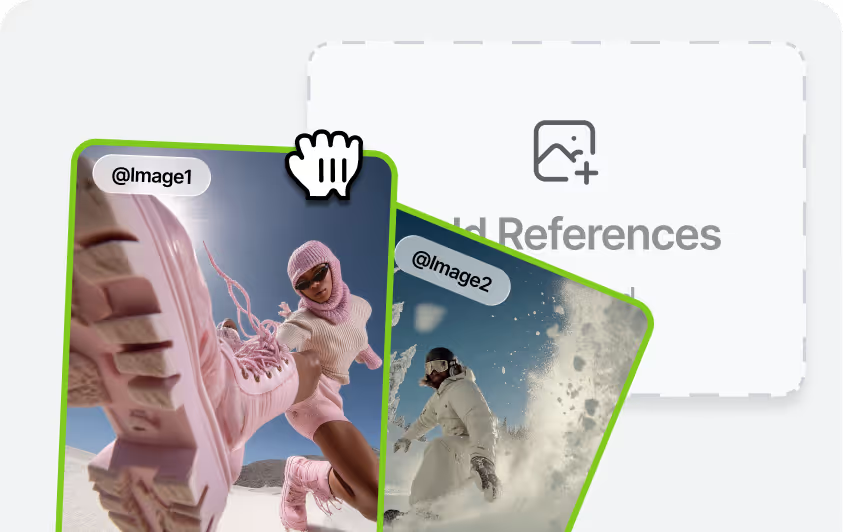
Upload References
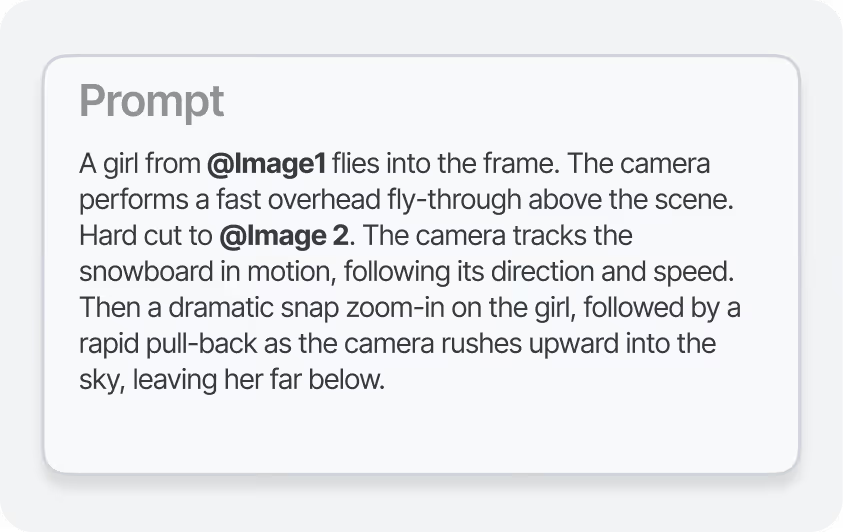
Enter your Prompt
Generate & Download
Key features of seadance 2.0
Unified Multi-Input Control
Combine up to 12 assets in a single prompt—images, video, audio clips, and text. Seadance 2.0 automatically interprets the function of each input and maintains consistent characters even when you mix many elements together.
One-Click Video Recreation
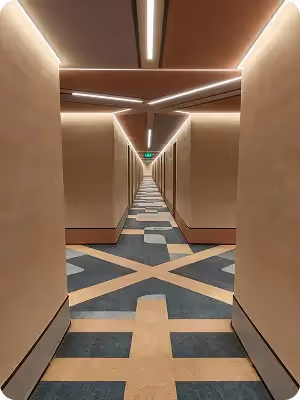
Transform a single sentence into a fully realized video. Recreate trending clips or reinvent iconic scenes—the AI preserves the original style, pacing, and intent, helping you avoid hours of manual editing.
Frame-Level Precision
Keep characters, objects, and composition details consistent throughout the entire video. Fine-tune fonts, transitions, and on-screen pacing with frame-by-frame control for a clean, professional finish.
High-Impact Motion Scenes
Create dynamic action and fight sequences with lifelike body movement, convincing collisions, and rapid camera tracking. Even complex scenes with multiple characters remain smooth, coherent, and physically believable.
Examples of creating videos in Seadance 2.0.
Creative Templates and VFX
Recreate transitions, ad formats, and stylized visual effects. Seadance2 Pro lets you copy creative edits by reference—transitions, ads, and cinematic snippets included. Provide a reference image or video and the model picks up the pacing, camera grammar, and visual layout, then rebuilds the sequence using your assets. No technical jargon needed: just specify what to imitate and what to replace, and it handles the rest.
• Replicate pacing, transitions, and VFX from a reference
• Replace the subjects while keeping the same timing and beats
• Adapt any template to match your brand’s visual style
Video Extension
Extend an existing clip without breaking continuity. Choose how many extra seconds you need and describe the new beats you want to add. The generated segment matches the original shot’s lighting, camera motion, and subject identity, so it flows naturally from what came before. Create only the additional time instead of re-rendering the entire video.
• Smooth, seamless continuation
• Consistent lighting and movement with the previous footage
• No need to regenerate the full clip
Music Beat Sync
Sync generated video to musical beats and rhythm. Upload a track and the model times movement, edits, and on-screen actions to the beat. Add reference visuals or keyframes to make cuts hit precise musical accents. Ideal for music videos, dance clips, and rhythm-led storytelling.
• Match motion to audio beats
• Time transitions to the music’s rhythm
• Generate video guided by the soundtrack
Community over 5 MILLION USERS


Subscription FAQ
Yes, BigMotion AI lets you generate videos from images using a simple text prompt system. There's no need for traditional editing tools—just upload your photos and provide instructions, and the AI handles the rest.
The easiest method is to use BigMotion AI. Enter a text prompt, swap out the default images with your own, and let the AI automatically create a video within minutes.
BigMotion AI offers a free tool for transforming your images into videos. Simply upload your photos and provide a basic prompt, and the AI will do the rest
BigMotion AI uses your uploaded images to generate a video based on the text prompt you provide. The process includes automatically adding background music, voiceovers, and subtitles for a polished finish.
BigMotion AI is one of the top tools for turning photos into dynamic videos. With straightforward text prompts, you can easily transform your images into engaging videos without any manual editing.
The easiest method is to use BigMotion AI. Enter a text prompt, swap out the default images with your own, and let the AI automatically create a video within minutes.